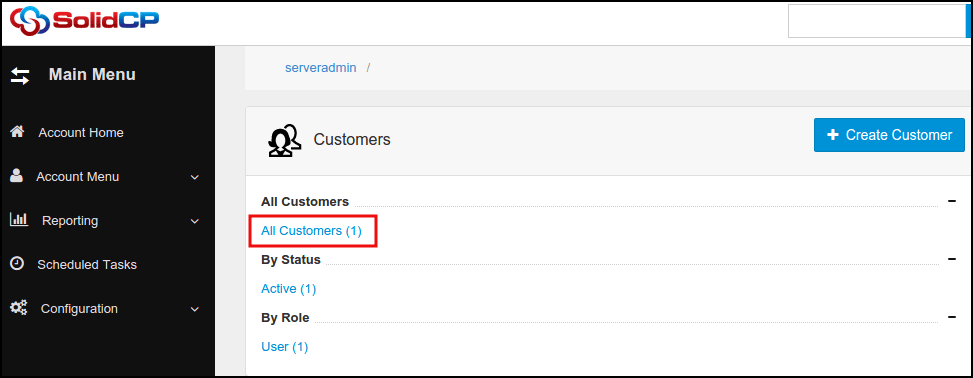
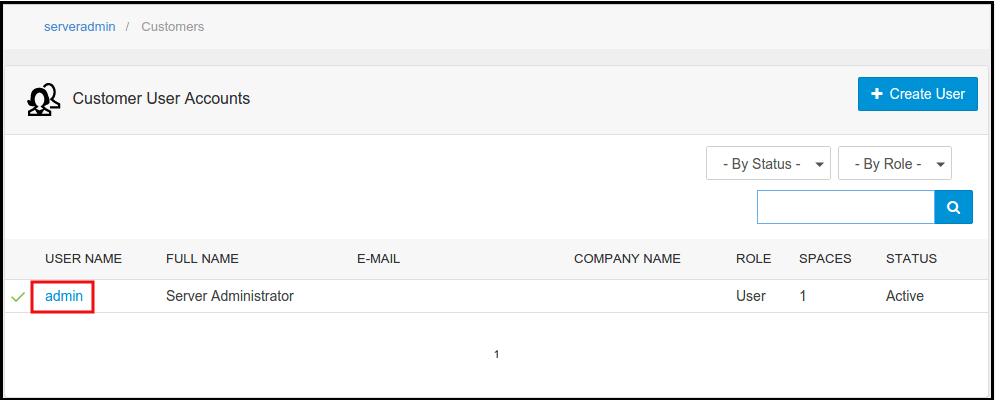
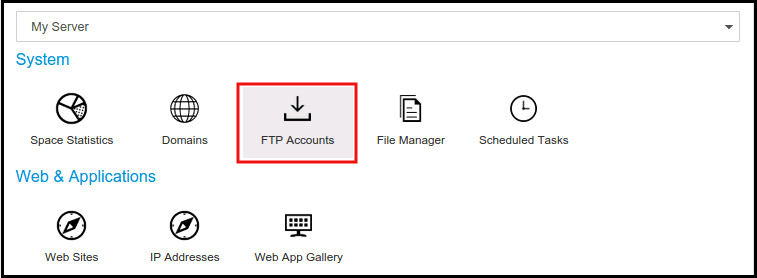
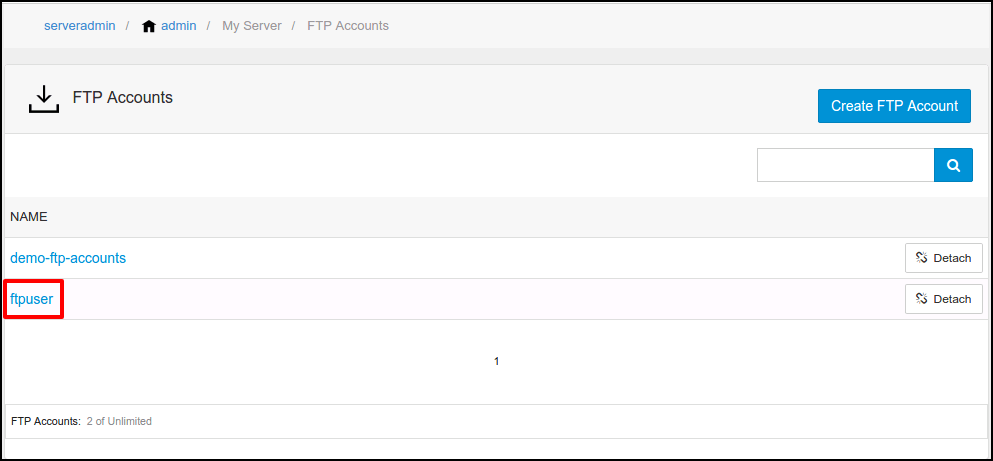
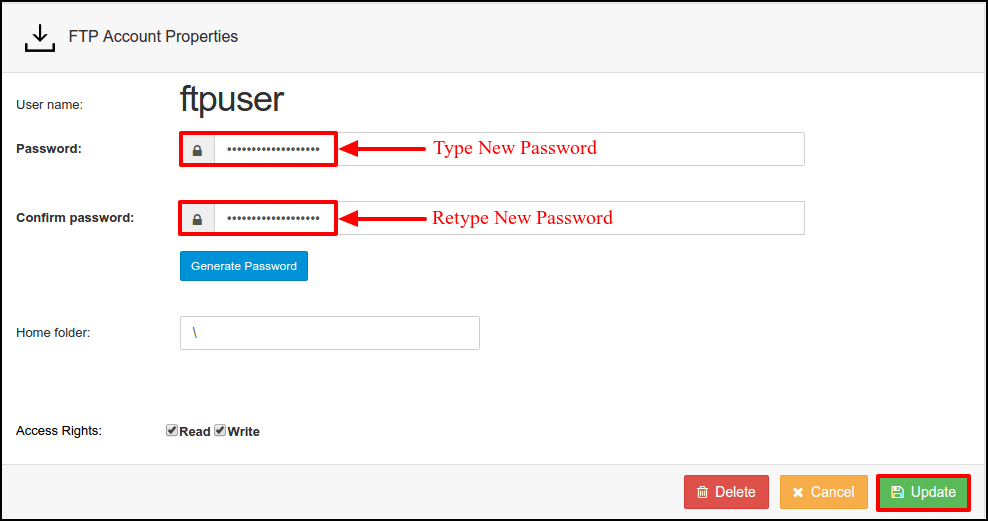
How to change FTP account password from SolidCP
Related Articles
How to change FTP Password
How to Change FTP Password Objective: This article demonstrates the process to change the password of an FTP (File Transfer Protocol) account. Log in to your control panel to change the FTP password. Click on FTP access link. Select the FTP user to ...
How to add FTP account in SolidCP
Steps to follow to add a ftp account in SolidCP Login to SolidCP. Once you are logged into SolidCP, click on All Customers link. In the next screen, you will see the list of all created users. If you have not created any user yet, you'll see the ...
Install FTP in Diadem Express Cloud
To create FTP application the must thing is you should have an IP address associated with that particular instance. To add FTP click on Add-ons symbol and then click the install button. Need to confirm the Installation in the Dialog box as shown ...
How to reset an email account password in SolidCP
Steps to follow to reset Email password in SolidCP Login to SolidCP. Once you are logged into SolidCP, click on All Customers link. In the next screen, you will see the list of all created users. If you have not created any user yet, you'll see the ...
Zimbra password reset from webmail
Steps to change zimbra password from webmail Step 1: Login into the Zimbra webmail Step 2: Now click on down-ward triangle > change password Step 3: A password change page will open, now give the current password > give new password > confirm it > ...