How to reset an email account password in SolidCP
Related Articles
How to reset the email address password and delete email address in Zimbra
1. Change Password 2. Delete Email Address Change Password 1. Login to the Zimbra Admin Panel. Type admin credentials to the textbox and click on ‘Sign In’. 2. Search the email address that you want to reset the password. As shown on the figure ...
Zimbra password reset from webmail
Steps to change zimbra password from webmail Step 1: Login into the Zimbra webmail Step 2: Now click on down-ward triangle > change password Step 3: A password change page will open, now give the current password > give new password > confirm it > ...
How to Fetch External Email into Gmail
1. Open the Gmail account you want to import from. 2. Click on the gear icon in the upper right corner of the page and select Settings as shown in the picture below. 3. Click On See All settings 4. Go to the Accounts and Imports section and click on ...
How to change FTP account password from SolidCP
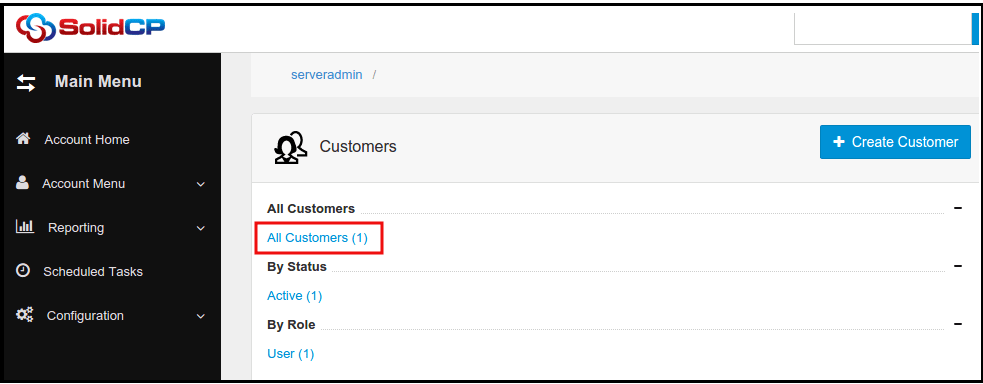
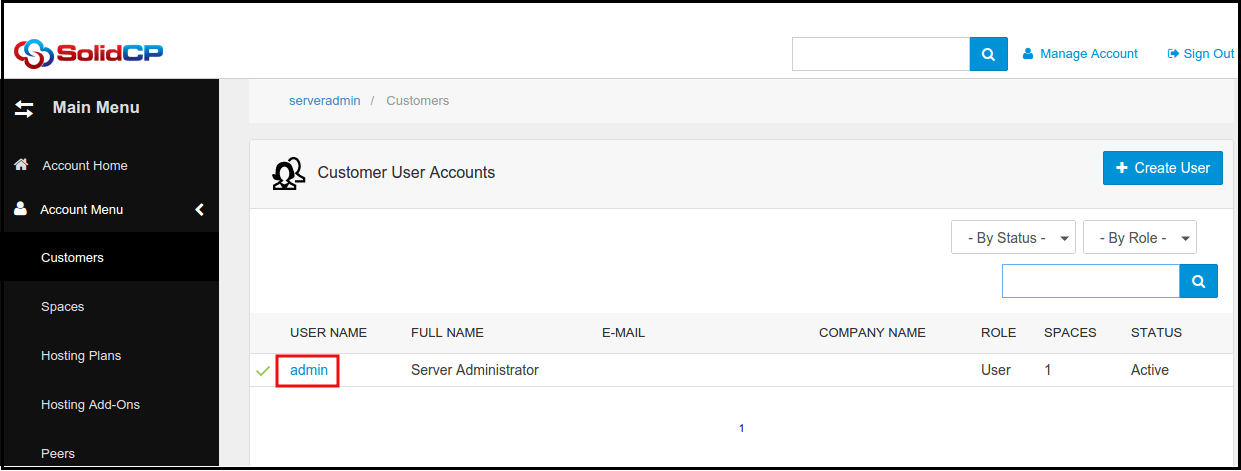
Steps to follow to reset password ftp account in SolidCP Login to SolidCP. Once you are logged into SolidCP, click on All Customers link. In the next screen, you will see the list of all created users. If you have not created any user yet, you'll see ...
How to reset email address password from plesk panel
How to reset email address password from Plesk panel Steps for Resetting The Password for Any Email Address Visit the URL http://<your_domain>:8880 or https://<your_domain>:8443 (For SSL) and login Click on the Mail tab and the click on the email ...