How to take MySQL database backup from SolidCP
Related Articles
Backup and restore MySQL database with Plesk
Backup and restore MySQL database with Plesk Description: In Plesk, database dumps are created in the SQL format and saved as ZIP archives. If you need to create a dump in another format or to set custom settings for a dump, use the native ...
How to take MSSQL database backup from SolidCP
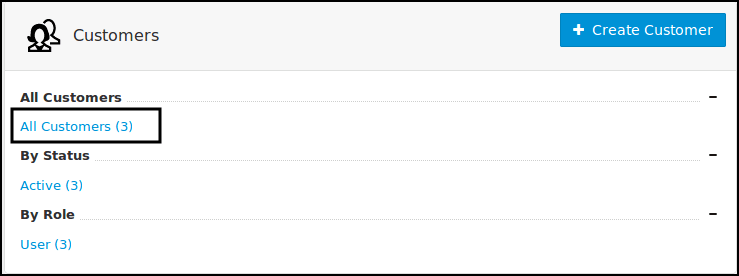
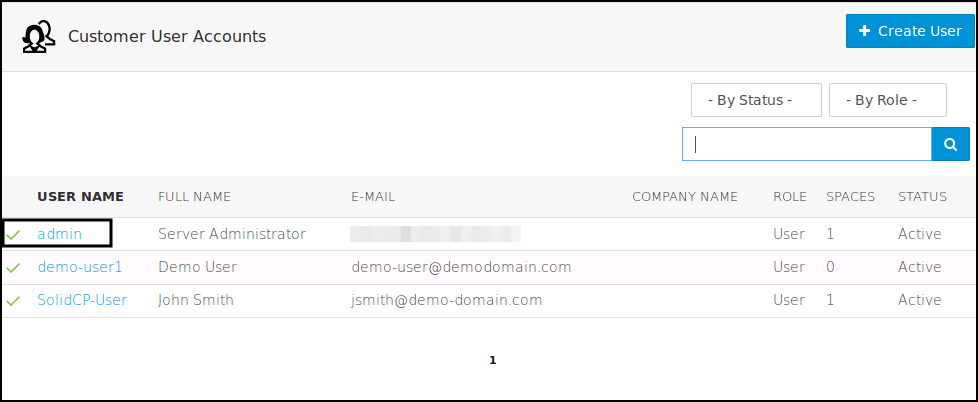
Steps to follow to take MSSQL database backup in SolidCP Login to SolidCP. Once you are logged into SolidCP, click on All Customers link. In the next screen, you will see the list of all created users. If you have not created any user yet, you'll see ...
How to add MySQL database in SolidCP
Steps to follow to add a MySQL database in SolidCP Login to SolidCP. Once you are logged into SolidCP, click on All Customers link. In the next screen, you will see the list of all created users. If you have not created any user yet, you'll see the ...
cPanel Backup Job monitoring
Cpanel Backup Job monitoring Reference KB on Cpanel Backup log location: https://support.cpanel.net/hc/en-us/articles/4402165344535-Where-are-the-cPanel-Backup-logs Reference KB on Cpanel backup on locally mounted remote filesystem: ...
Take Full backup of MS-SQL database using management studio
To take the full backup of MS-SQL database, please follow the below steps 1. Open SQL Server Management Studio and connect to the appropriate instance of Microsoft SQL Server Database Engine in Object Explorer. 2. Expand Databases node and then right ...