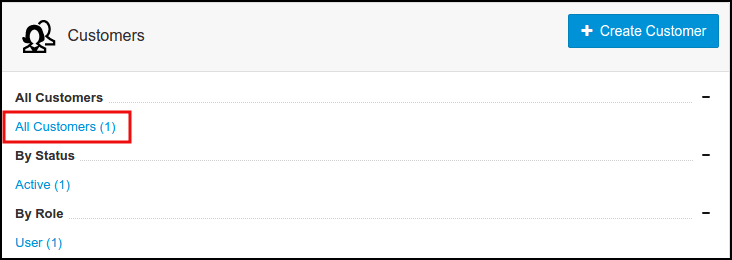
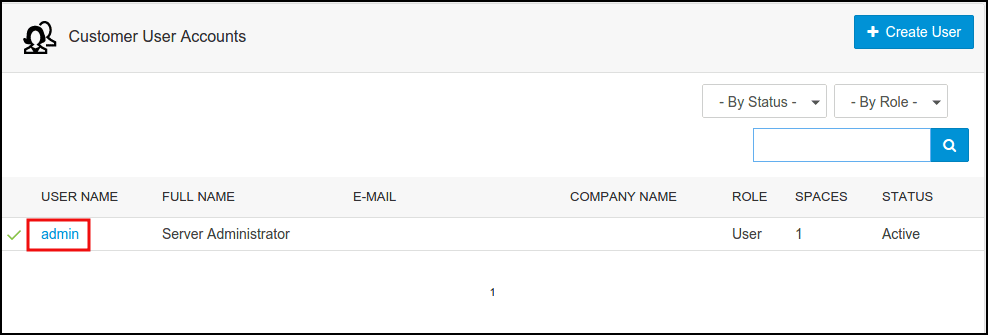
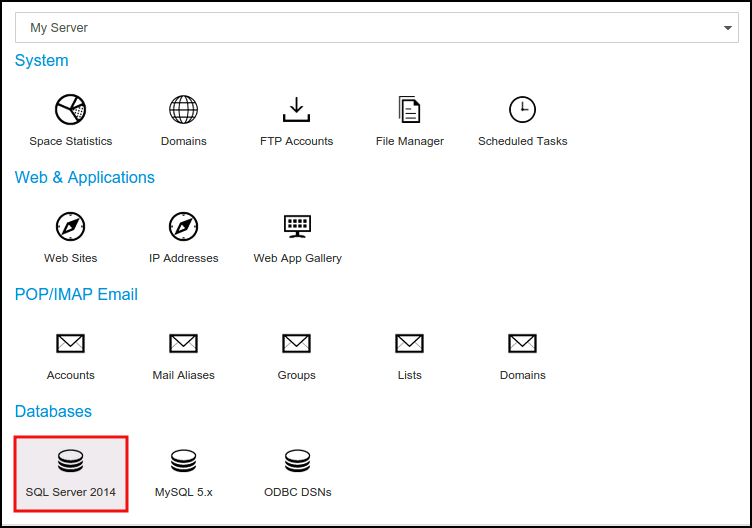
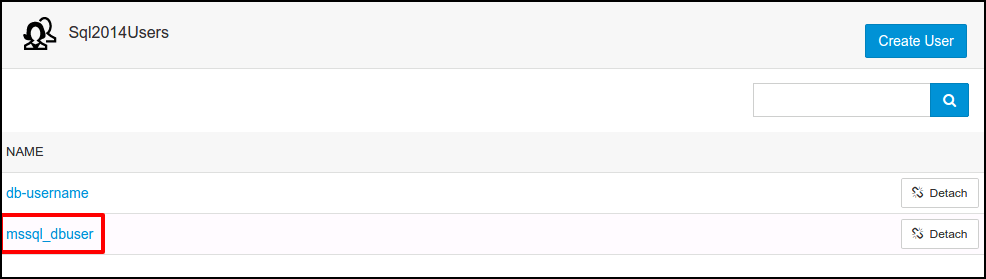
How to change MS SQL database user password from SolidCP
Related Articles
How to add MS SQL database in SolidCP
Steps to follow to add a SQl database in SolidCP Login to SolidCP. Once you are logged into SolidCP, click on All Customers link. In the next screen, you will see the list of all created users. If you have not created any user yet, you'll see the ...
How to change password for MS SQL admin user
Following tutorial will guide you to reset the MS SQL server sa user password. We assume that you have working sa or windows user password. 1. Login to MSSQL server by using current sa password through MS SQL management studio. 2. In left pane of ...
How to restore a MS SQL database from SolidCP
Steps to follow to restore MSSQL database in SolidCP Login to SolidCP Once you are logged into SolidCP, click on All Customers link. In the next screen, you will see the list of all created users. If you have not created any user yet, you'll see the ...
How to Change MS SQL Database Recovery Model
Following tutorial will guide you to reset the MS SQL server sa user password. We assume that you have working sa or windows user password. 1. Login to MSSQL server by using current sa password through MS SQL management studio. 2. In left pane of ...
Zimbra password reset from webmail
Steps to change zimbra password from webmail Step 1: Login into the Zimbra webmail Step 2: Now click on down-ward triangle > change password Step 3: A password change page will open, now give the current password > give new password > confirm it > ...